
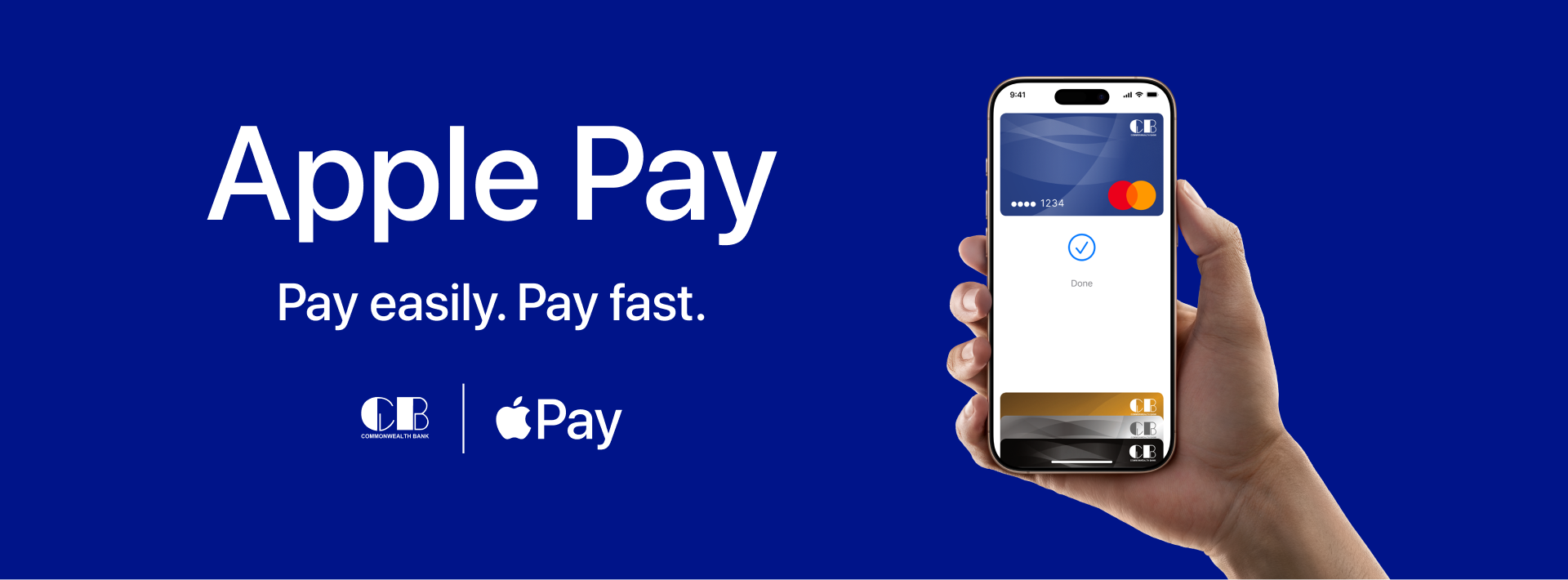
What You Need
Apple Pay Requirements

Supported Devices
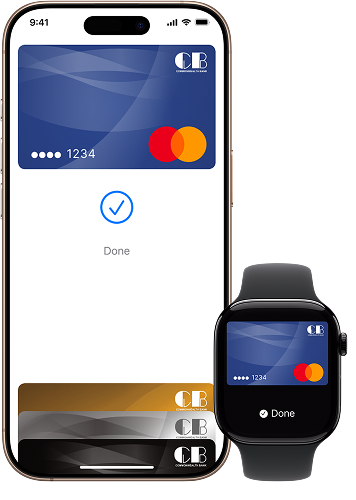
A device that is always at hand. iPhone starting from SE model. Apple Watch
See full list of compatible devices
Settings
Enabled Touch ID/Face ID and authorization in iCloud
The latest version of the CB Wallet App or the Apple Wallet
Install CB Wallet App
Any Commonwealth Bank Card
All Commonwealth Bank Credit & Prepaid Cards support payment with Apple Pay
The latest version of the CB Wallet App or the Apple Wallet
View CardsConnecting Your Device

- Open the CB Wallet App.
- Tap on the Apple Pay block at the top of the screen, then “Start”.
- Tap “Add to Apple Wallet”. All fields will auto-fill. Then accept the user agreement and wait for confirmation in Apple Wallet.

- Open the Wallet App and tap the “+” icon in the upper right corner.
- Add the card number manually or photograph it using your iPhone’s camera.
- Verify the entered data and enter the card security code (3 digits on the back of the card).
Where To Use
One Touch Payments Everywhere
From your favorite local spots to movie theaters, cafes, and hotels – enjoy seamless payments with your iPhone or Apple Watch. Simply look for the Apple Pay logo at the terminal for quick, contactless payments.

In apps and online stores
From your favorite local spots to movie theaters, cafes, and hotels – enjoy seamless payments with your iPhone or Apple Watch. Simply look for the Apple Pay logo at the terminal for quick, contactless payments.
FAQs

What devices are compatible with Apple Pay?
Apple Pay is compatible with iPhone 6 and later, iPad Pro, iPad Air 2, iPad mini 3, and later models, Apple Watch Series 1 and later, and Mac models with Touch ID.
Can I use Apple Pay for online purchases?
Yes, you can use Apple Pay for online purchases at participating websites and apps. Just select Apple Pay at checkout and authenticate using Face ID, Touch ID, or your passcode.
Can I use Apple Pay with multiple devices?
Yes, you can add your Commonwealth Bank card to multiple Apple devices. Each device needs to be set up separately in the Wallet app.
What should I do if my card is declined in Apple Pay?
Ensure your card details are correct and check for sufficient funds. If the issue persists, contact Commonwealth Bank customer support.
What should I do if my device is lost or stolen?
Use the “Find My” app to lock or erase your device remotely. You can also remove your card from Apple Pay via your iCloud account or contact Commonwealth Bank for further assistance.
What Commonwealth Bank cards can I use with Apple Pay?
Apple Pay is currently available for our Credit and Prepaid cards. We’re actively working to support our Debit cards – stay tuned for updates!